LLScript - MultiTool2.17.3
Publisher Description
This is a Companion app for Lightning Launcher.
This requires Lightning Launcher to be installed:
https://www.google.com/url?q=https://play.google.com/store/apps/details?id=net.pierrox.lightning_launcher_extreme
Currently included:
- Animation: Scroll Animations for LL containers
- App Drawer: Add an App Drawer in any LL container
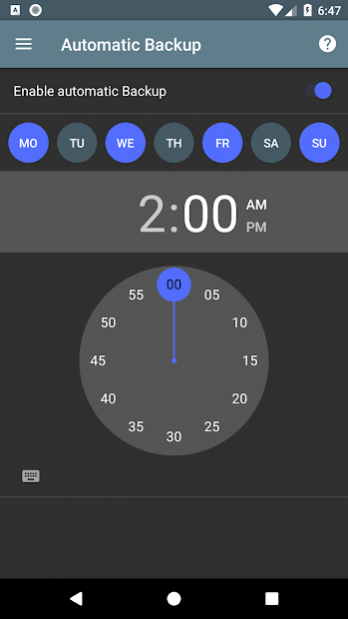
- Automatic Backup: Automatically backups your LL setup
- Badge: Add Badges for any app in LL
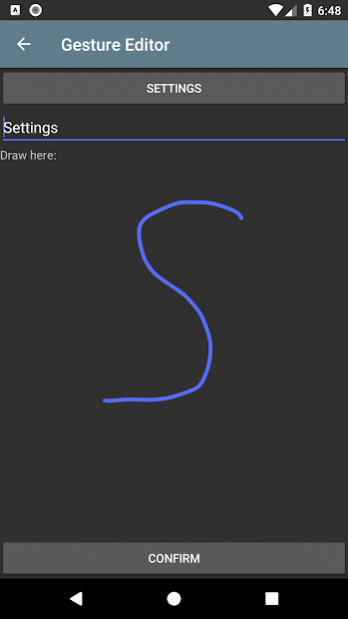
- Gesture Launcher: Launch apps using complex gestures in LL
- Launcher Script: Collection of small useful LL tools
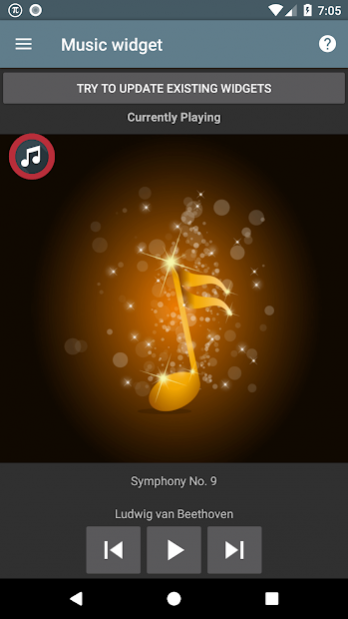
- Music Widget: A music component for any music player in LL without the battery drain of a normal widget
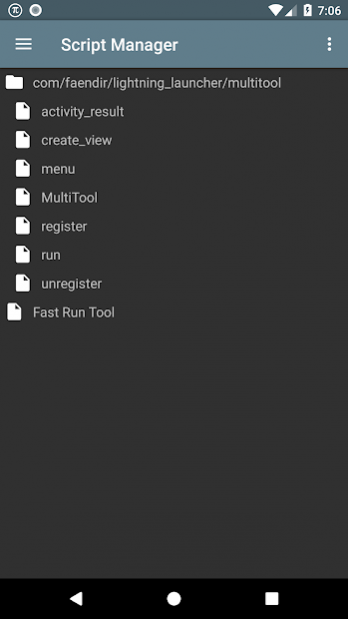
- Script Manager: Organize, prettify and manage your LL Scripts
About LLScript - MultiTool
The company that develops LLScript - MultiTool is Faendir. The latest version released by its developer is 2.17.3.
To install LLScript - MultiTool on your Android device, just click the green Continue To App button above to start the installation process. The app is listed on our website since 2020-02-05 and was downloaded 59 times. We have already checked if the download link is safe, however for your own protection we recommend that you scan the downloaded app with your antivirus. Your antivirus may detect the LLScript - MultiTool as malware as malware if the download link to com.faendir.lightning_launcher.multitool is broken.
How to install LLScript - MultiTool on your Android device:
- Click on the Continue To App button on our website. This will redirect you to Google Play.
- Once the LLScript - MultiTool is shown in the Google Play listing of your Android device, you can start its download and installation. Tap on the Install button located below the search bar and to the right of the app icon.
- A pop-up window with the permissions required by LLScript - MultiTool will be shown. Click on Accept to continue the process.
- LLScript - MultiTool will be downloaded onto your device, displaying a progress. Once the download completes, the installation will start and you'll get a notification after the installation is finished.
Program Details
System requirements
Download information
Pricing
Version History
version 2.17.3
posted on 2020-02-05
2.17.3
- minor fixes
version 2.17.2
posted on 2019-12-14
2.17.2
- minor fixes
version 2.17.1
posted on 2019-09-22
2.16
- New: Calendar widget
2.15
- Lots of UI improvements, e.g. you can now preview animations in the app
2.14
- 3 new Animations
- Lots of under the hood changes and fixes
*Note: Most Lightning plugin components have to be recreated to work with this release*
version 2.17
posted on 2019-09-19
version 2.8.6
posted on 2016-09-20
V2.8.6,Autobackup now supports LL alpha
